01hentai ai bot · 18+ fiction only
A hentai AI bot you steer with plain instructions


This page is about control — how a plain-word instruction actually changes the next reply. The roster and the relationship side of the product live on the other pages.
Fictional AI characters only. Nobody here is a real person.
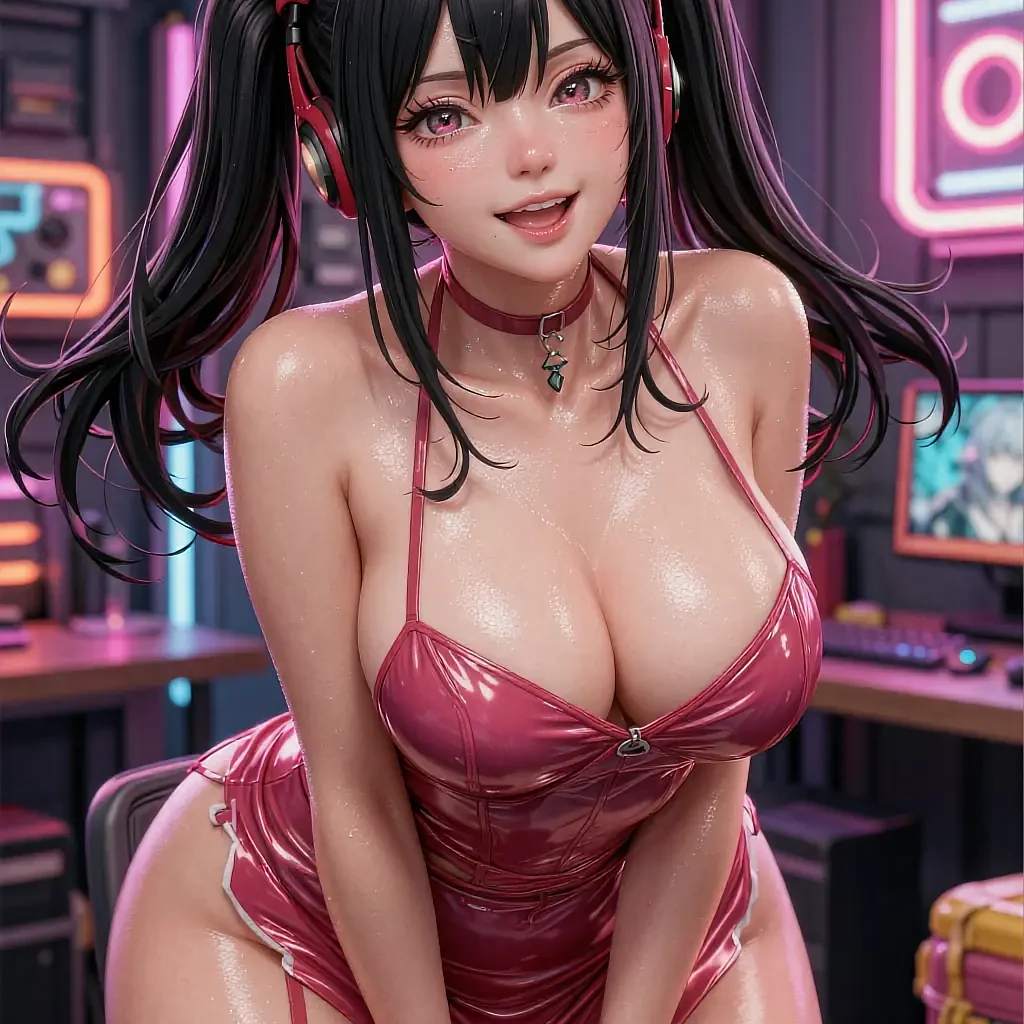
Available to steer
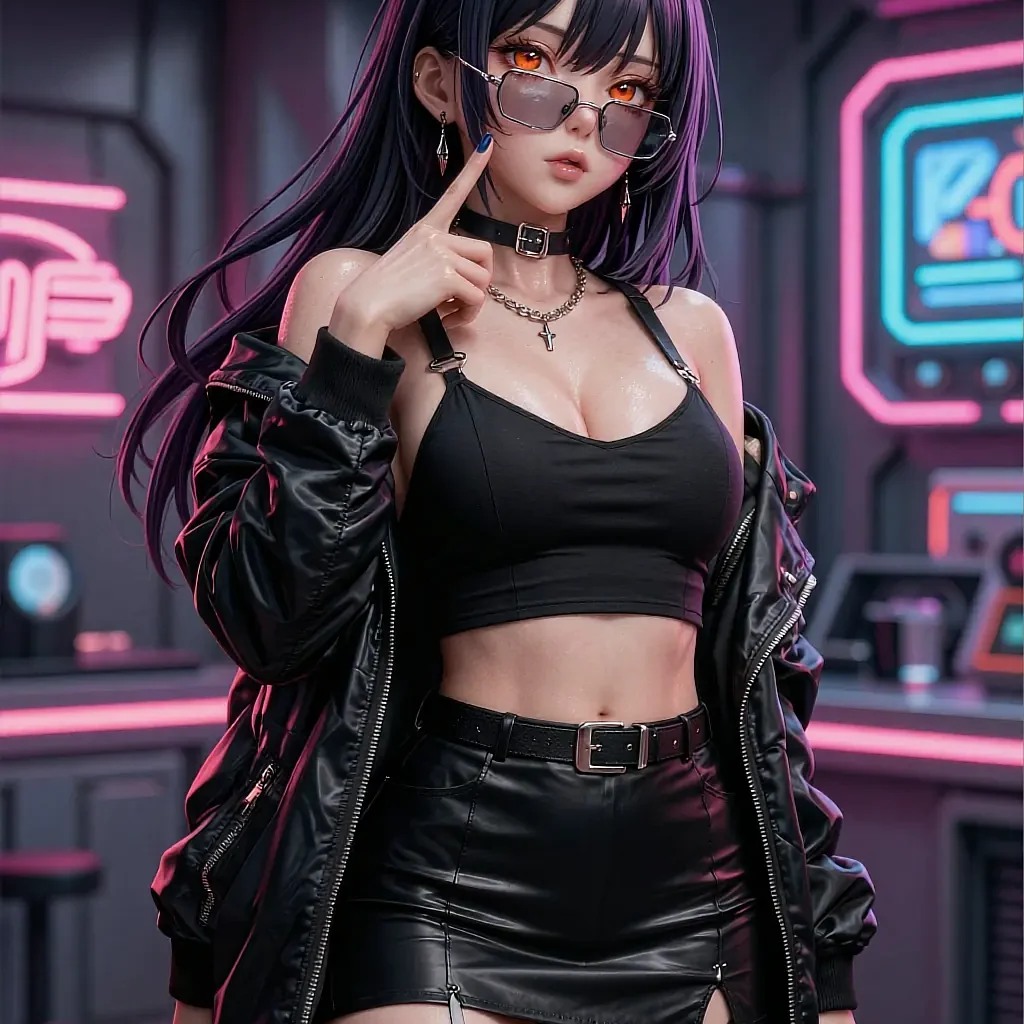


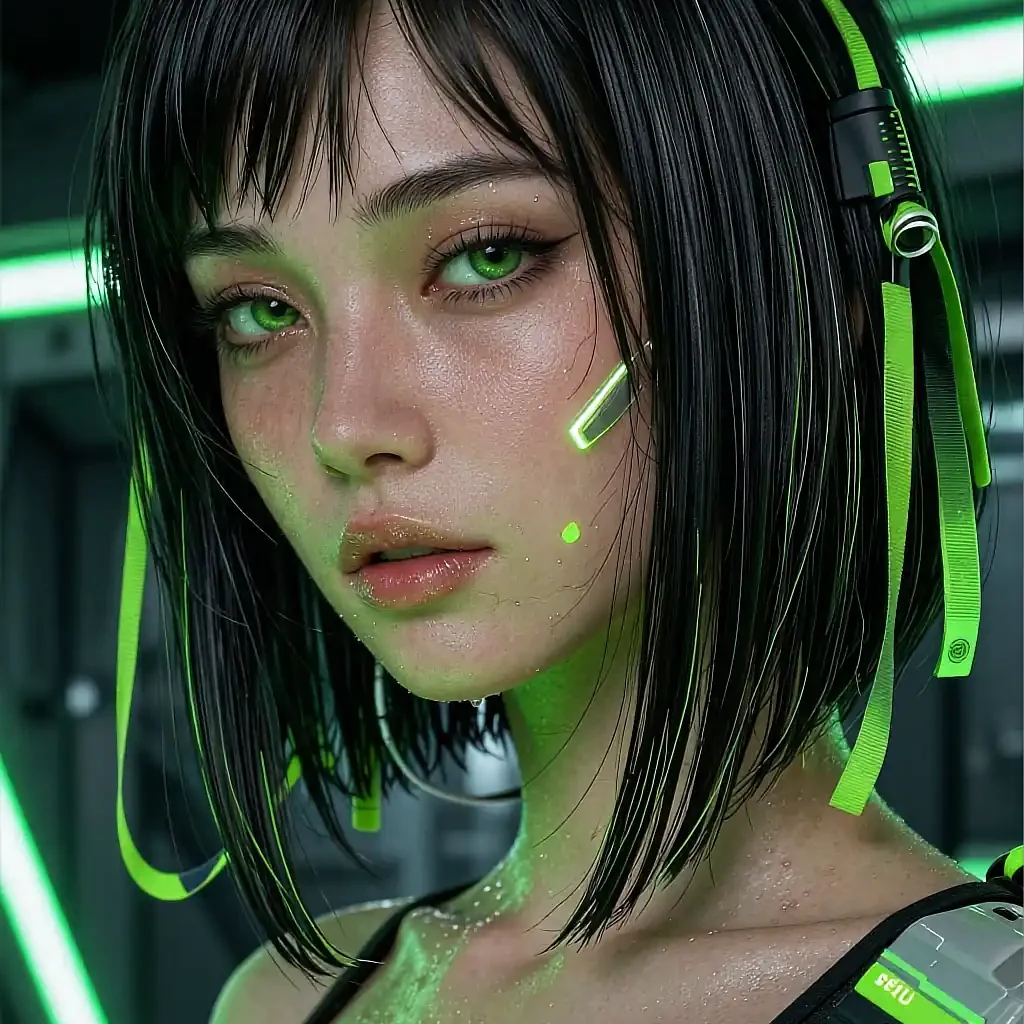
No sliders, no settings panel — the instruction is the interface.
- Takes direction instantly
- No settings menu
- Free to open
- 18+
02The detail
What steering a bot in plain words actually means
The interface for this bot is a sentence, not a settings panel.
A hentai ai bot is only as good as its second message. The first reply is a guess at what you want; whether the thread is worth staying in comes down to what happens when you correct it. Type slower, or blunter, or less scenery, and a well-built bot applies that from the very next line rather than needing a fresh conversation to reset the register.
This is different from a menu of presets. A dropdown of moods forces you to pick from someone else's list of options; a plain instruction lets you describe exactly what's off, in your own words, and the bot adjusts to that specific note rather than the nearest preset to it. The cost is that vague direction gets vague results — 'be better' does less than 'shorter sentences, more description'.
What it won't do is read intent you never typed. A thread that goes flat almost always went flat because nobody steered it, not because the bot ran out of ideas. Two words fix more than a paragraph of scene-setting does.
What works well
- Tone changes mid-thread from a plain-word instruction
- No settings menu or preset list to search through
- Applies the change from the very next message, not a new thread
- Works the same across every character on the roster
- Free to try, no card required to start
Worth knowing first
- Vague instructions get vague results — specific direction works best
- It follows direction well and guesses at mood poorly on its own
- Every character is illustrated fiction, not a real person
- Strictly 18+, with an age notice before anything loads
03On this page
Three characters answering the same instruction differently
The bot mechanics are shared; how each character carries them out is not.
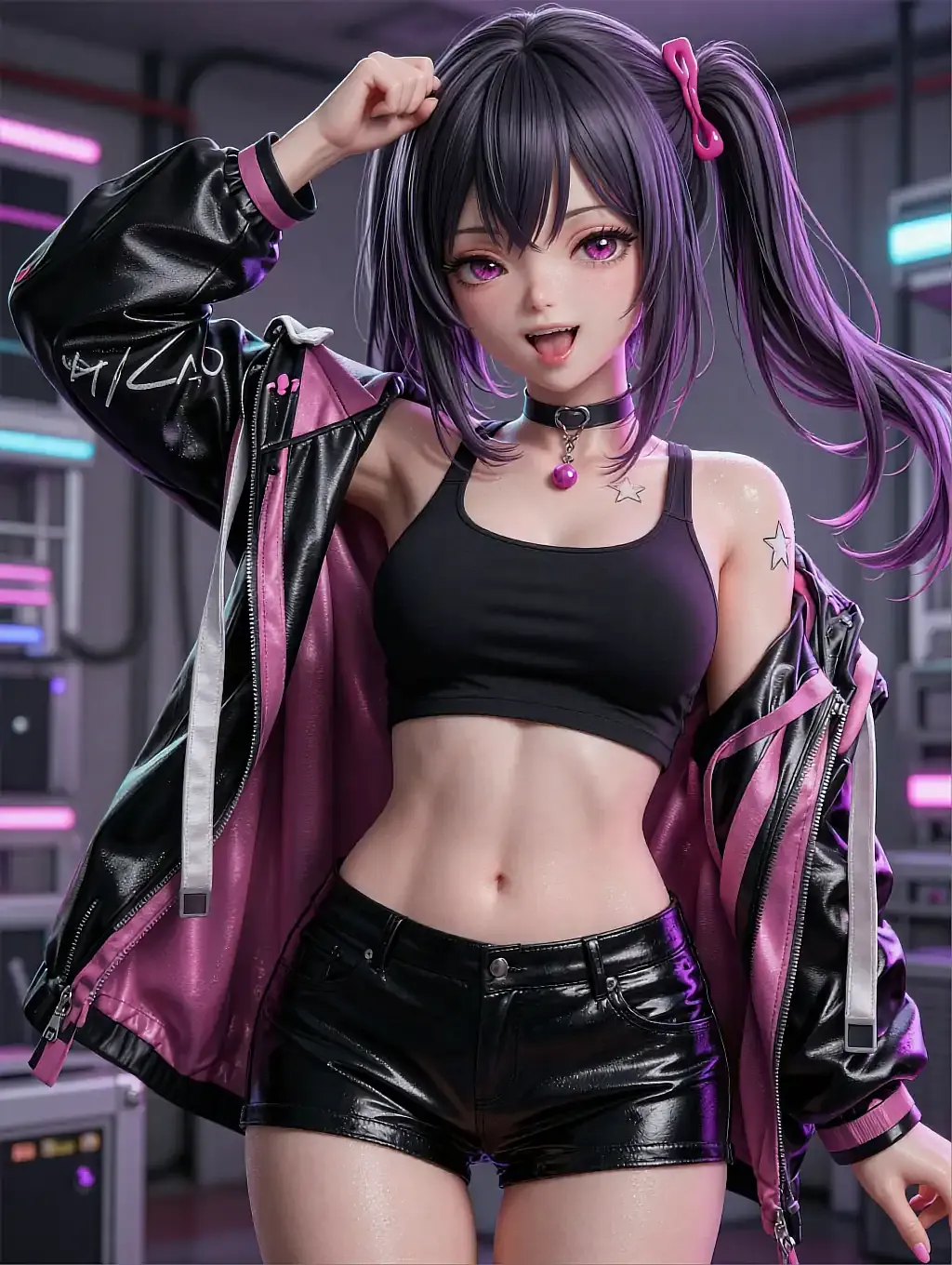
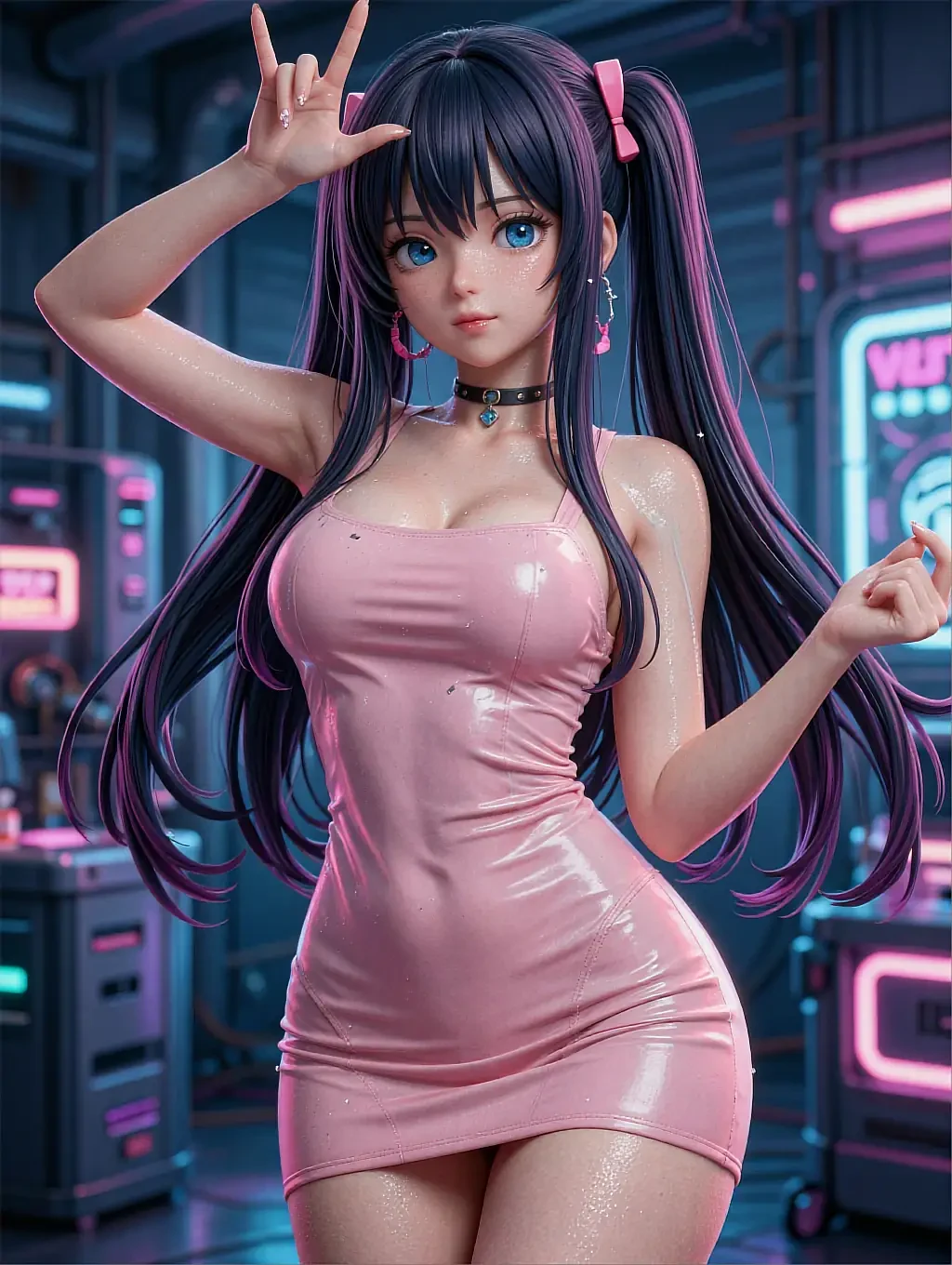
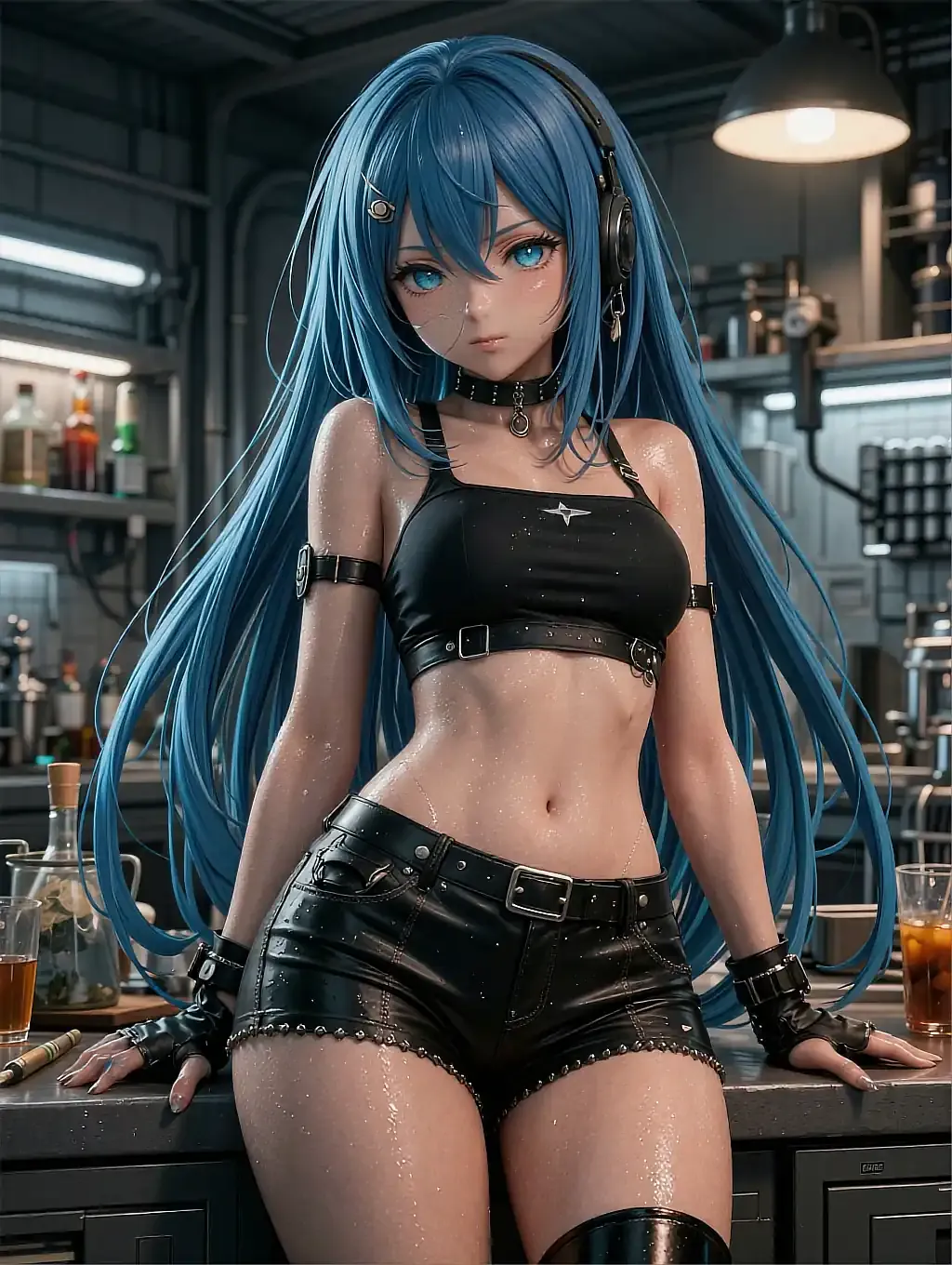
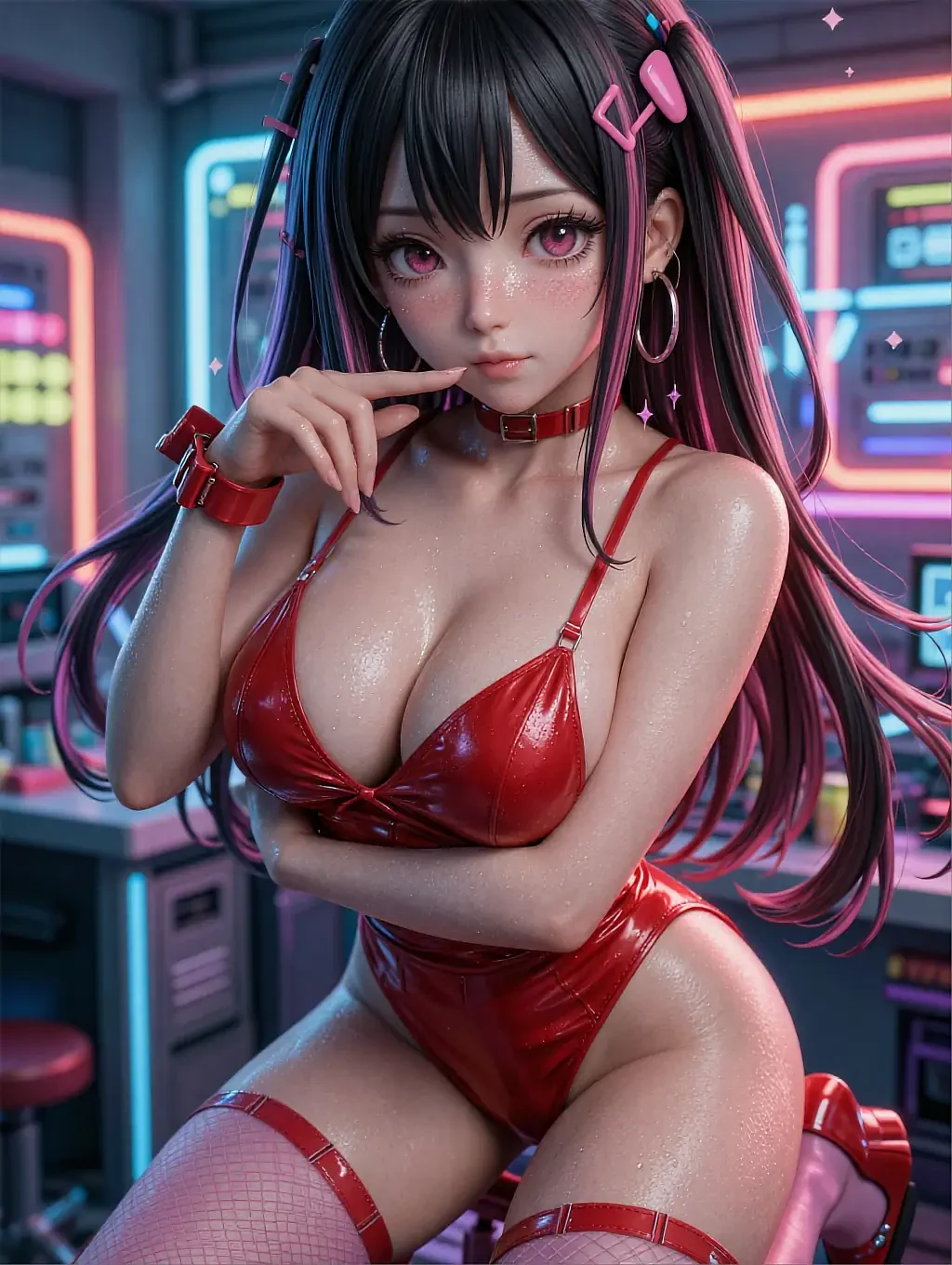
A blunt character who takes direction without any pushback.

A slower-paced character who folds the instruction into a longer reply.
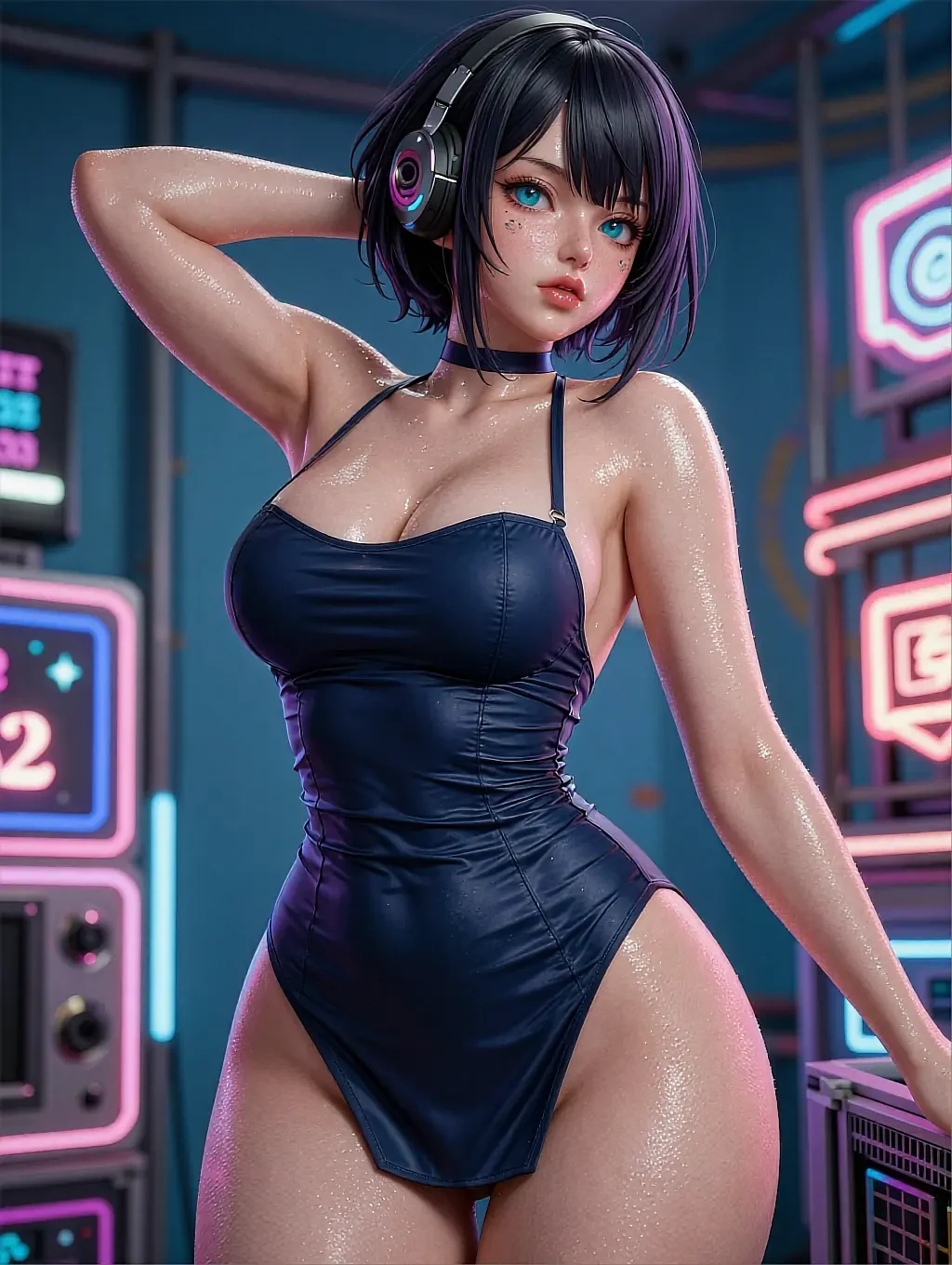
A playful character who teases you for asking before doing it anyway.
04In practice
How a steered thread actually reads
Send a message, get a reply, then type the adjustment directly into the thread — no separate box, no menu to open first. 'Slower, less description' or 'more direct, shorter lines' both work exactly the same way: as the next thing you type.
The bot keeps that instruction in effect until you change it again, so you're not repeating yourself every message. That's the whole mechanism — one line of plain instruction, applied immediately, no settings panel required.
05Quick answers
Hentai AI bot — quick answers
01How specific does an instruction need to be?
02Does an instruction apply to every character or just one thread?
03Is there a list of presets to choose from instead?
04Does the instruction ever wear off on its own?
06Keep reading
Four more pages on hentai AI companions
Each one answers a different question the others don't.
07Start now
Send the first line and try steering it
Open a thread, type a message, then adjust the tone in plain words. Free to start.